Validation of electronic signature – uploading a file from your device
CertumSign platform allows you to verify the authenticity and validity of signatures on documents signed using external signature software. With a convenient browser application, you can verify signatures and generate an electronic confirmation in the form of a PDF report.
How to validate the signature in a file on the computer?
- Log in to CertumSign platform – https://www.sign.certum.pl/.
- Go to the Validate Signatures section (on the left side of the screen).

- To select a file, start the process by clicking on Select the file for validation.
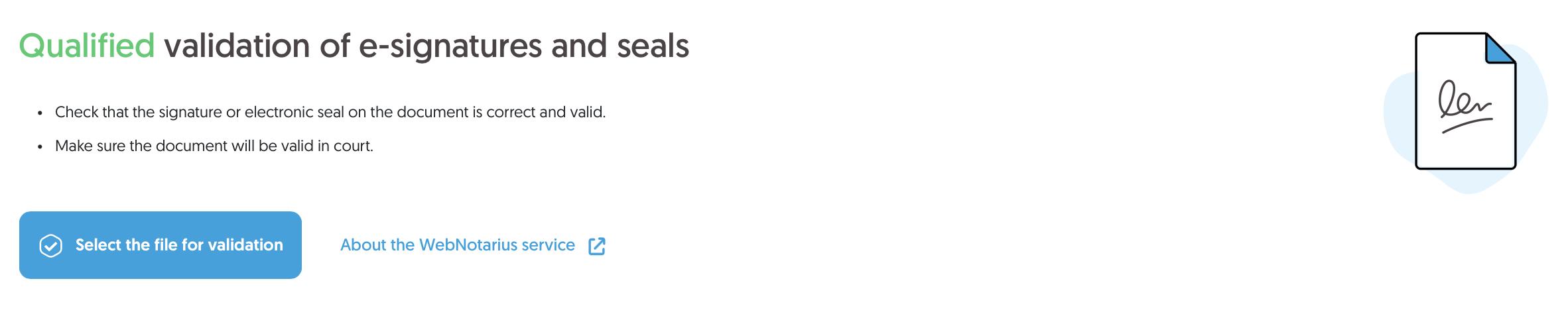
Select a file from your computer or drag and drop the file onto the validation screen.
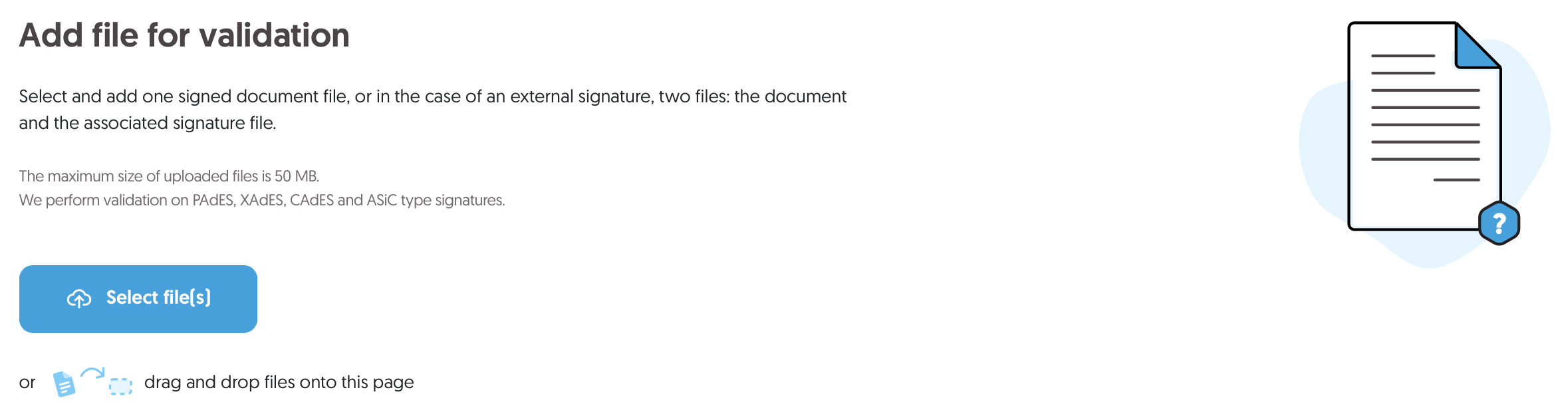
- After adding the file, click Next

- The screen will display the status of the verified signatures.
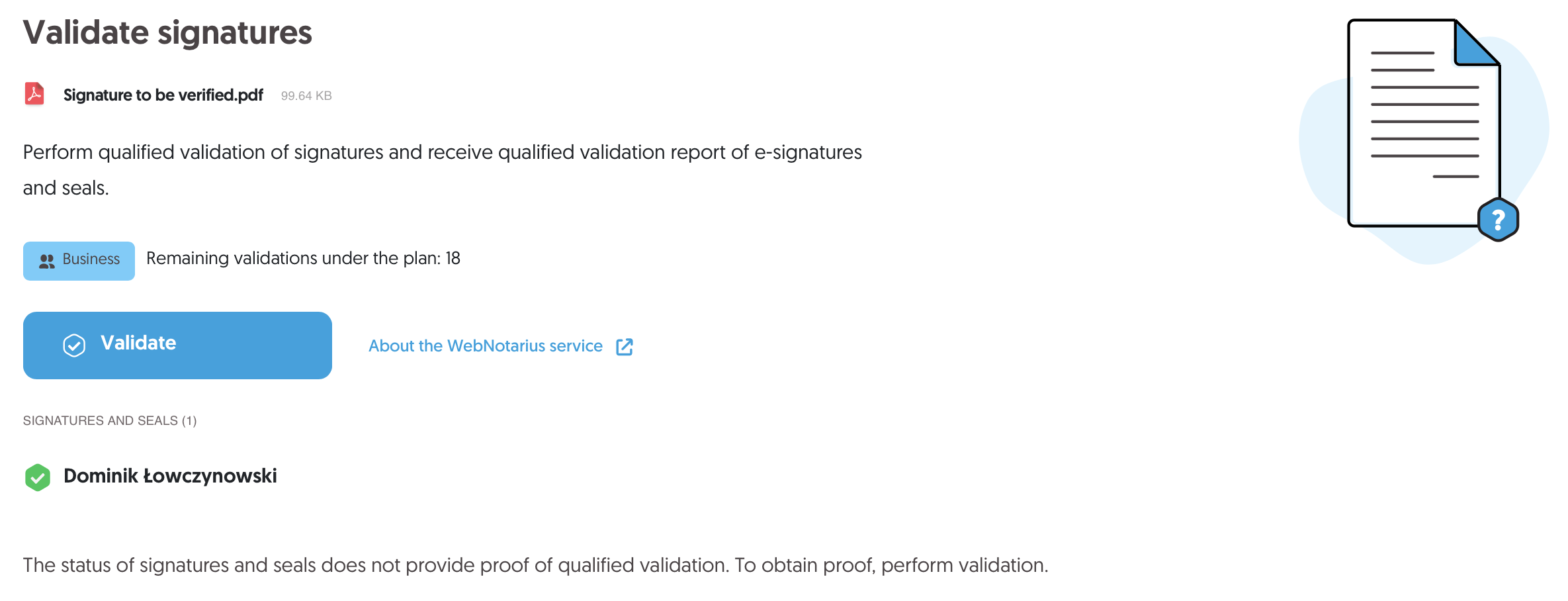 NOTE: The status of the verified signatures does not constitute proof of qualified validation.
 - To get proof – Validate

Clicking the button will reduce the validation limit on your account.Next to the button, you will see the current available validation limit. If it is 0, you will need to enter a validation code, which can be purchased from the Certum store. - After a moment, the result of the qualified validation will appear on the screen.A detailed qualified validation report will be downloaded to your device in PDF format.
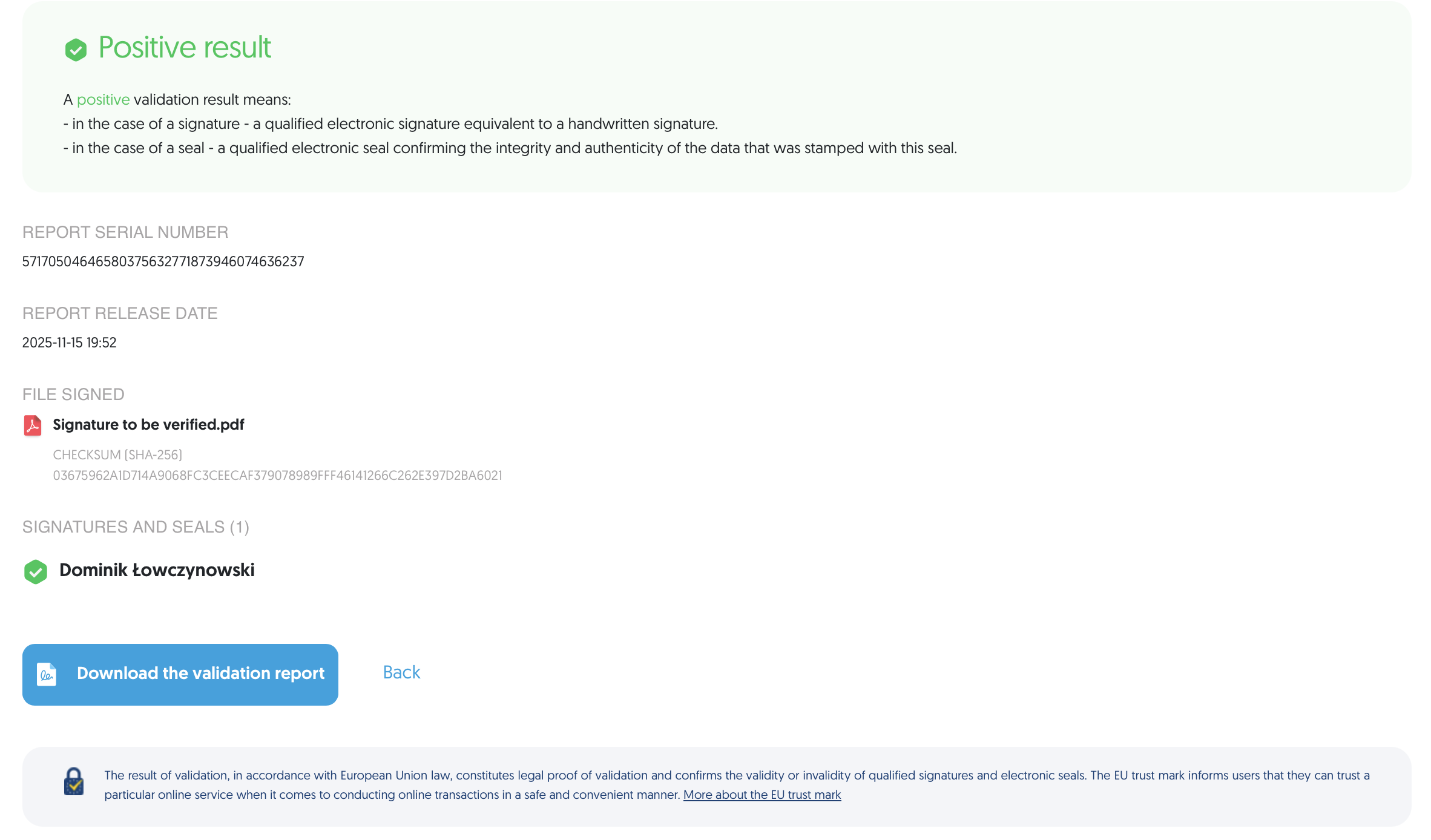
You can also download the report manually by clicking Download the validation report.
Only one file can be validated at a time. It is not possible to select multiple files for batch validation during this operation.
 Signing a PDF file without a CertumSign account – Basic sign (SES) using an SMS Code
 What is a qualified validation report?
