Signing a PDF File with an Authorized Signature using an SMS Code – basic sign (SES)
- On the CertumSign platform, you can easily and quickly sign an uploaded or received PDF document
- To use the basic signature (authorized via an SMS code or e-mail code), which meets the formal requirement of document form, log in to your account at sign.certum.pl
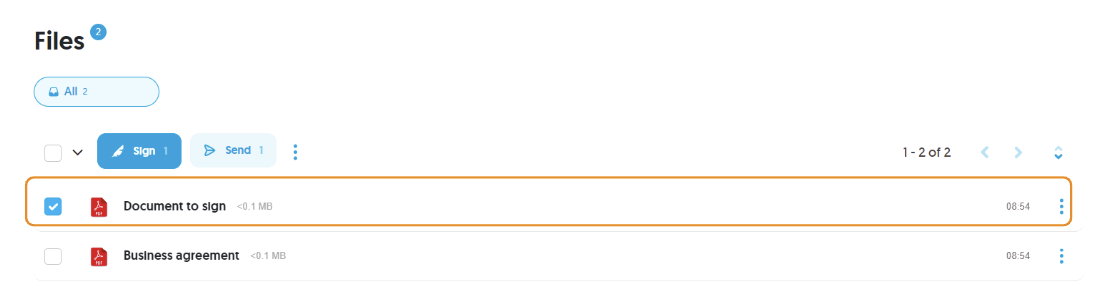
- Select the document to sign and click the Sign button. A window displaying the document’s content will appear
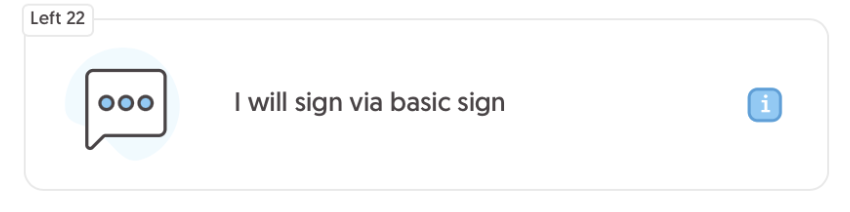
- In the Signature Method section (on the right side), you will see the name of the selected e-signature method. For a signature authorized via an SMS code, this is labeled as basic sign. If you want to change the signature type to an basic sign, click Change and select I will sign via basic sign from the list
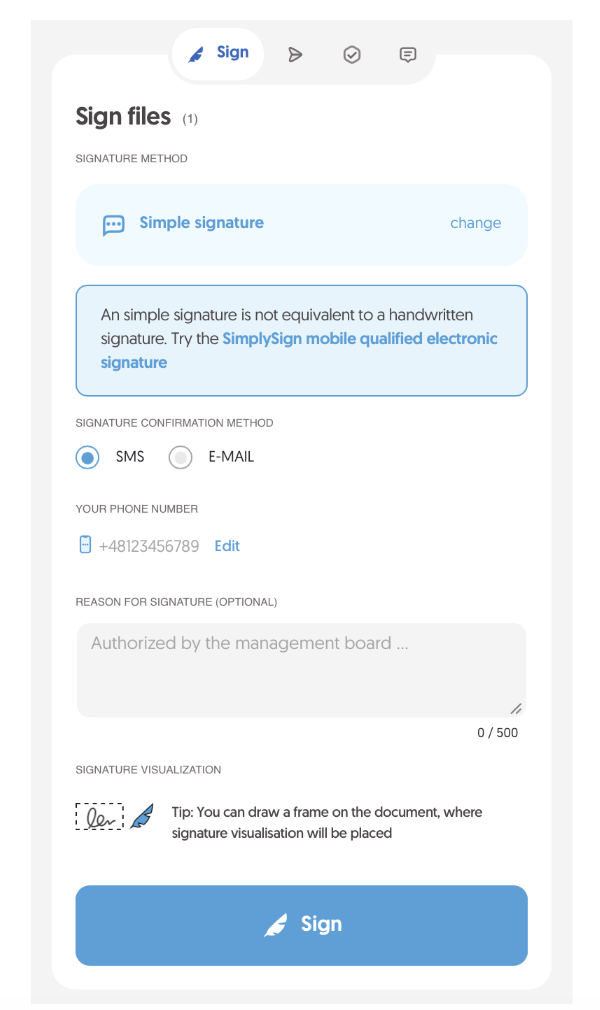
- You can choose between two authorization methods: an SMS code or an email code
- Click Sign. You can choose a location within the document to visualize the signature
- An SMS with a code for signing will be sent to the phone number assigned to your account

- In the window, enter the code you received and click Confirm
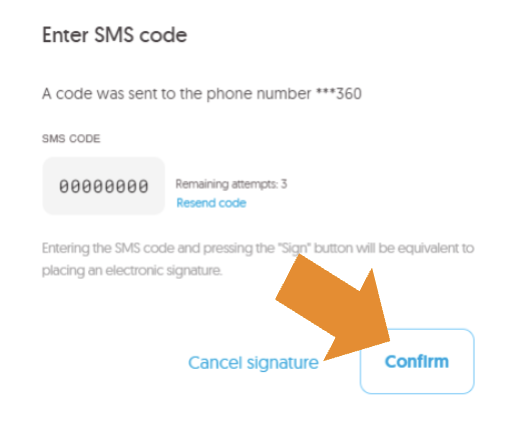
- If the code entered is correct, you will receive a notification that the file has been signed. Done!
Questions
How many times can I enter an incorrect SMS code? / How many attempts are there to enter an SMS code?
After the third incorrect attempt, the process will be interrupted. Return to the main screen and select the file to sign again.
When does the SMS code expire?
When you click Resend Code (in the “Enter SMS Code” window), a new SMS code will be sent, and the previous code will expire.
When is the signing process via SMS interrupted?
- if you exit the process or click Cancel
- if you log out of the platform
- if you enter an incorrect SMS code three times
In these situations, restart the document signing process to obtain a new SMS code.
 Signing a PDF file without a CertumSign account – Basic sign (SES) using an SMS Code
 What is a qualified validation report?
